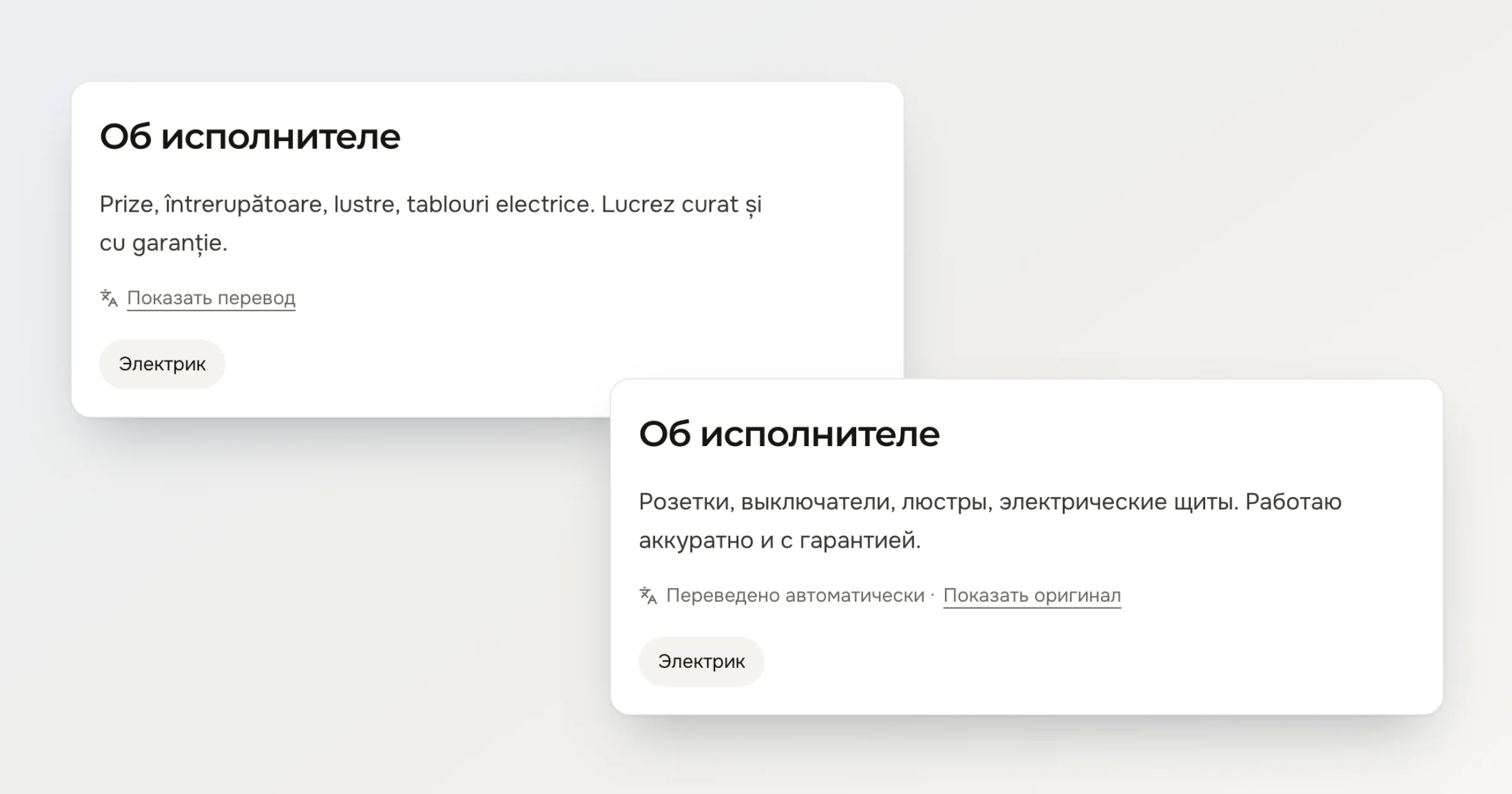
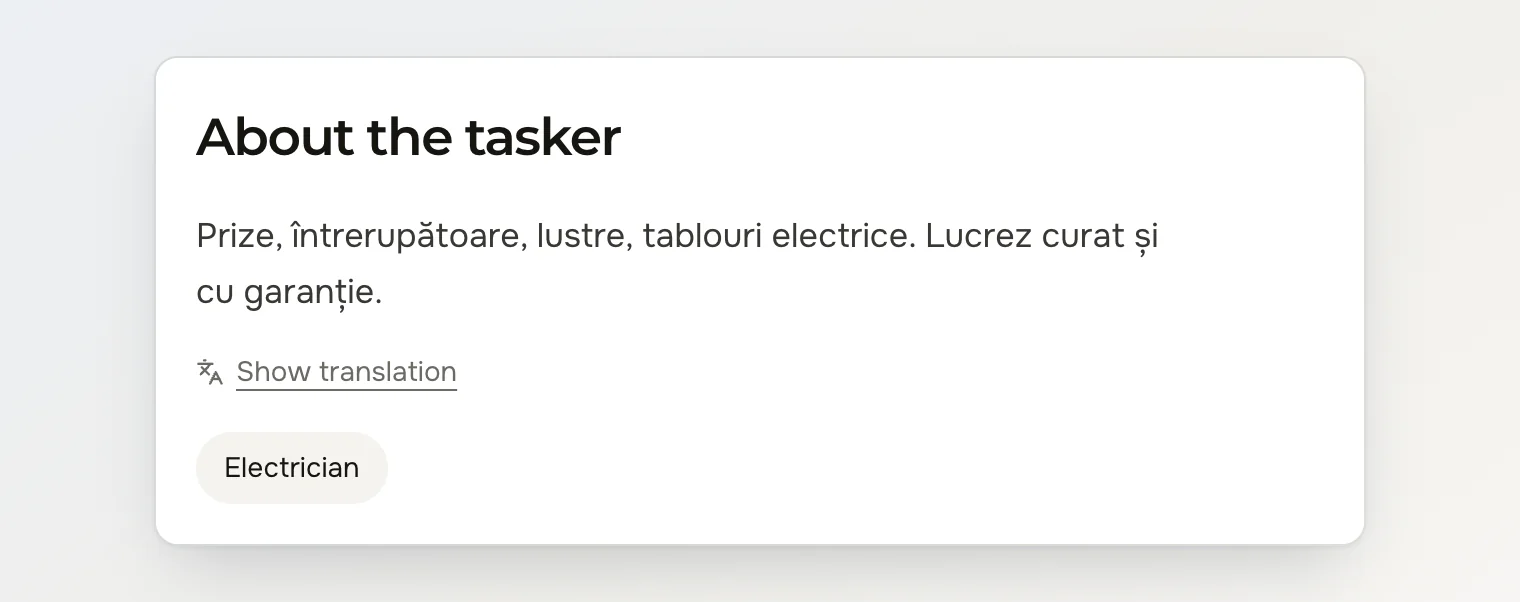
You use Deal in English and need an electrician. Andrei is an electrician on Deal, but he wrote his profile in Romanian: “Prize, întrerupătoare, lustre, tablouri electrice. Lucrez curat și cu garanție.” If you read Romanian, there's nothing to solve. If you don't, you copy the text into a translator in another tab, or you scroll on to a tasker whose profile you can read.
A tasker who reads Romanian has the same problem from the other side. An alert brings a task posted in Russian, and they have to name a price from a text they half understand.
Why Deal doesn't translate everything for you
The easy fix would be to show every text already translated into your language. We decided against it for two reasons.
Many people here read both Romanian and Russian. For them a translation replaces the author's words with a machine's, and they'd have to dig for the original.
Prices, addresses and terms are in the author's words. A translation shown by default replaces them, and neither side notices. A translation you ask for is marked Translated automatically.
How Show translation works
Under a text in a language other than your interface language, Deal now shows Show translation:
a task's title and details, on the task page and on the order page;
a tasker's headline and About the tasker, on their profile;
reviews, on the tasker's profile and on the order page.
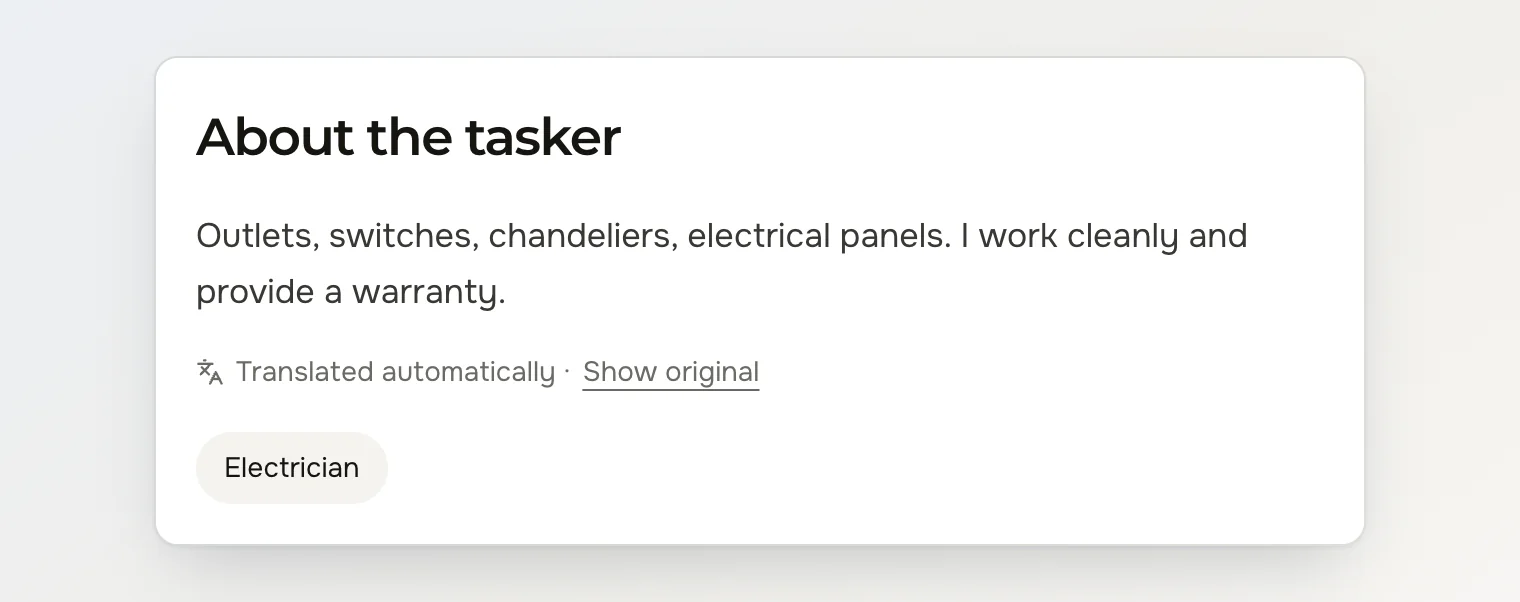
Click it, and the text appears in the language you use Deal in: English, Romanian or Russian. Below it, Translated automatically · Show original tells you it's a machine translation and brings the author's text back.
Deal reads the language of each text right after it's saved. Under a text already in your interface language there's no link, and none under your own task or review. A text in a language Deal doesn't offer, such as Ukrainian, gets the link too and is translated into yours.
A text is translated once for each language. The next person who clicks Show translation in the same language gets it without waiting. When the author edits the text, the old translation goes, and the next click translates the new version.
What isn't translated, and what to check in the chat
A machine translation can miss a detail, so settle the price, the day and the address in the chat before you make an offer or accept one. Chat messages and portfolio items aren't translated. The link is in the mobile app too, from its next update.
Continue reading
How to compare offers and choose a tasker on Deal — what an offer card and a tasker's profile tell you before you accept.
How to describe a task so taskers can price it — what each field of the task form tells the tasker.
What Deal is and how it works — booking a tasker and posting a task, side by side.