A tasker profile shows Identity not confirmed until an admin of deal.md compares a photo of your ID document with a selfie in which you hold the same document. After that, customers see Identity confirmed. The check is optional: a published profile gets tasks and orders without it.
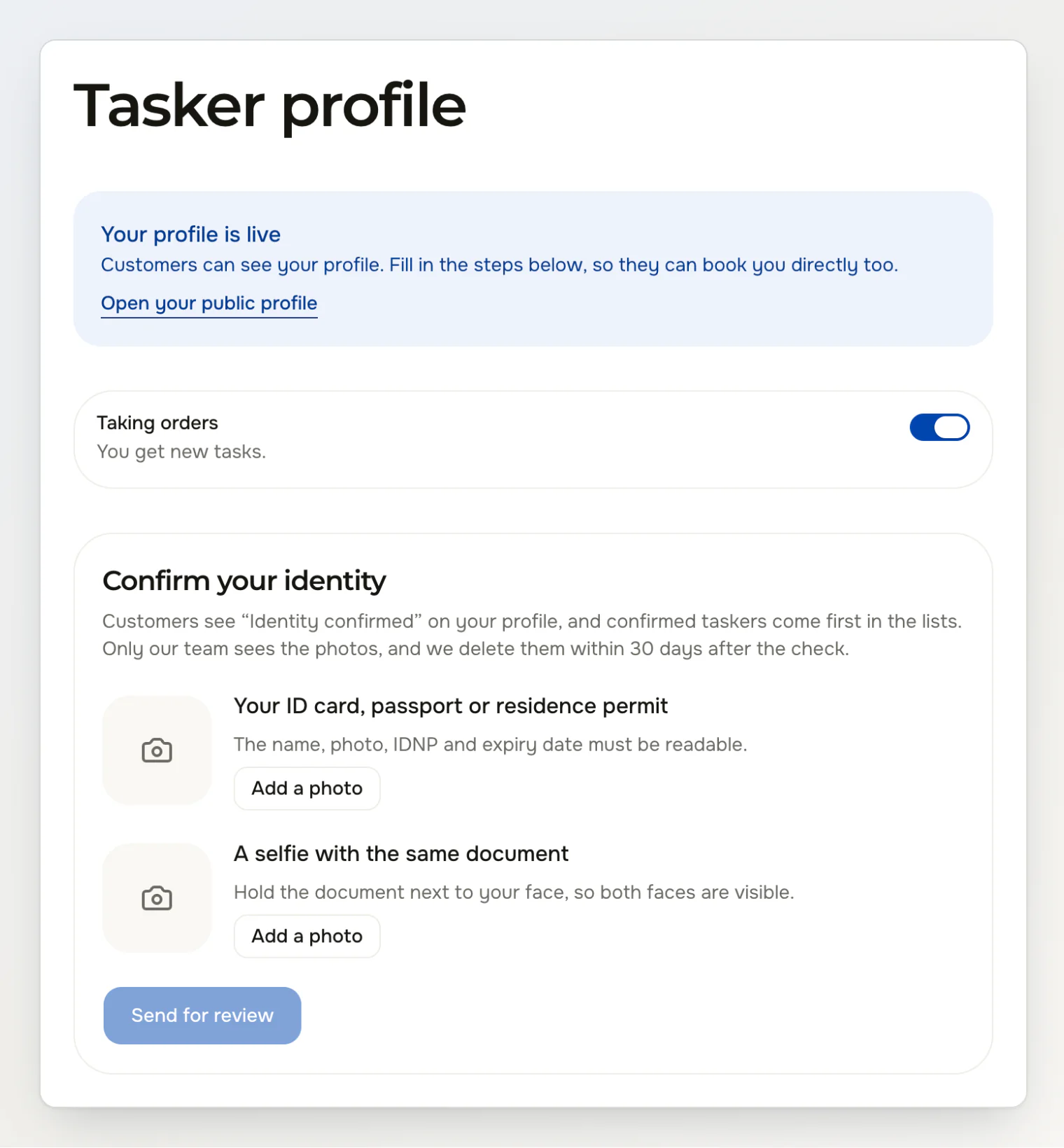
Who can send the photos
The Confirm your identity card appears on the Tasker profile page once your profile is published. A draft profile doesn't have it yet, so publish your profile first. A suspended profile can't send photos.
Check your name first
The admin compares the document with the name on your account. If the name on Deal differs from the document, fix it before you send the photos: open About you on the Tasker profile page and type First and last name as the document has it.
Send the photos
Open Tasker profile: on the website, from the menu under your initials or photo at the top right, and in the app, from the Profile tab.
Under Your ID card, passport or residence permit, tap Add a photo and photograph the document. The name, photo, IDNP and expiry date must be readable.
Under A selfie with the same document, tap Add a photo and take a selfie with the document next to your face, so both faces are visible.
Look at the two thumbnails. If one is blurry, tap Take another photo under it.
Tap Send for review.
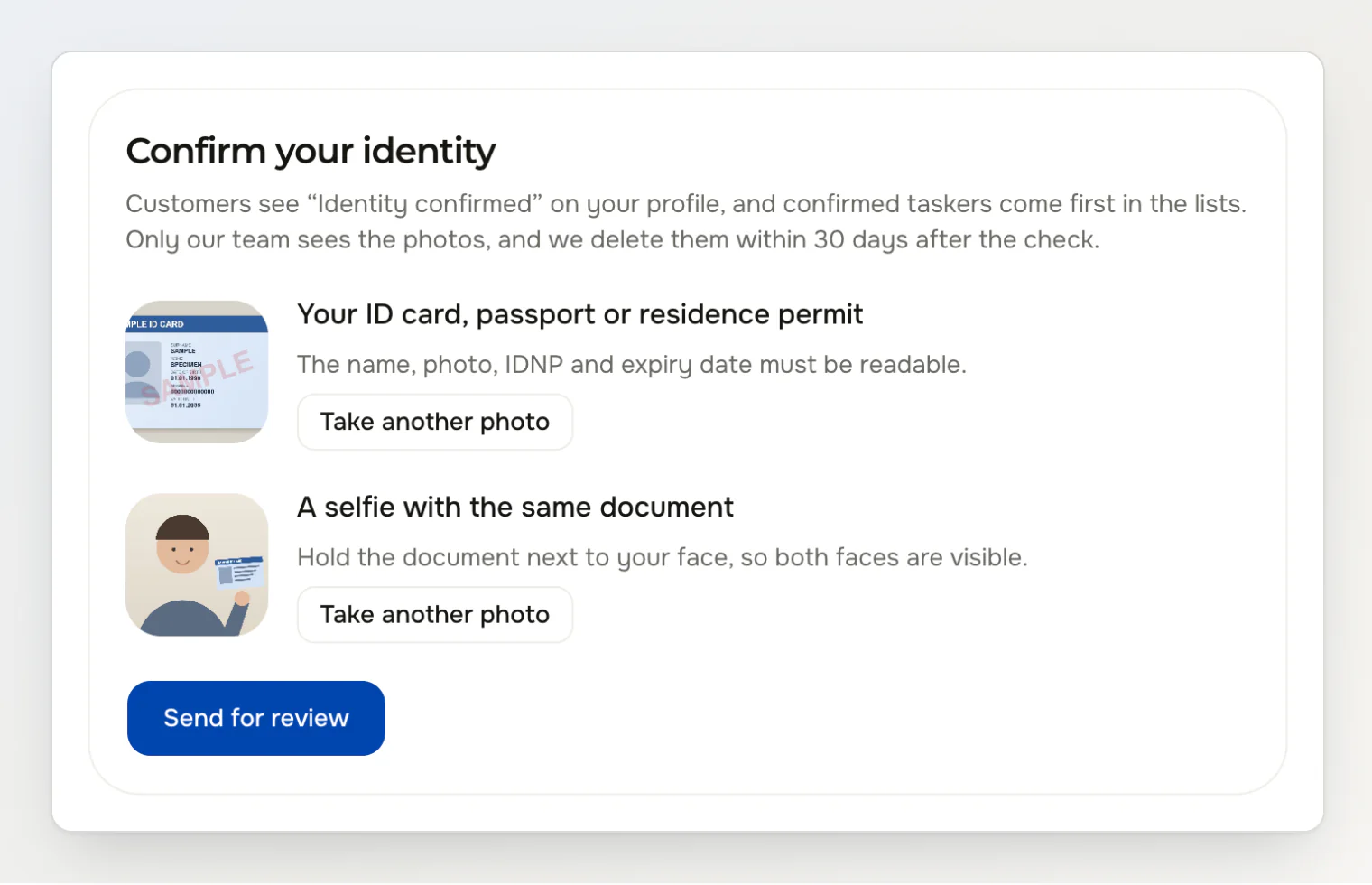
On a phone, the document photo uses the back camera and the selfie the front one. Send for review stays inactive until both photos are there.
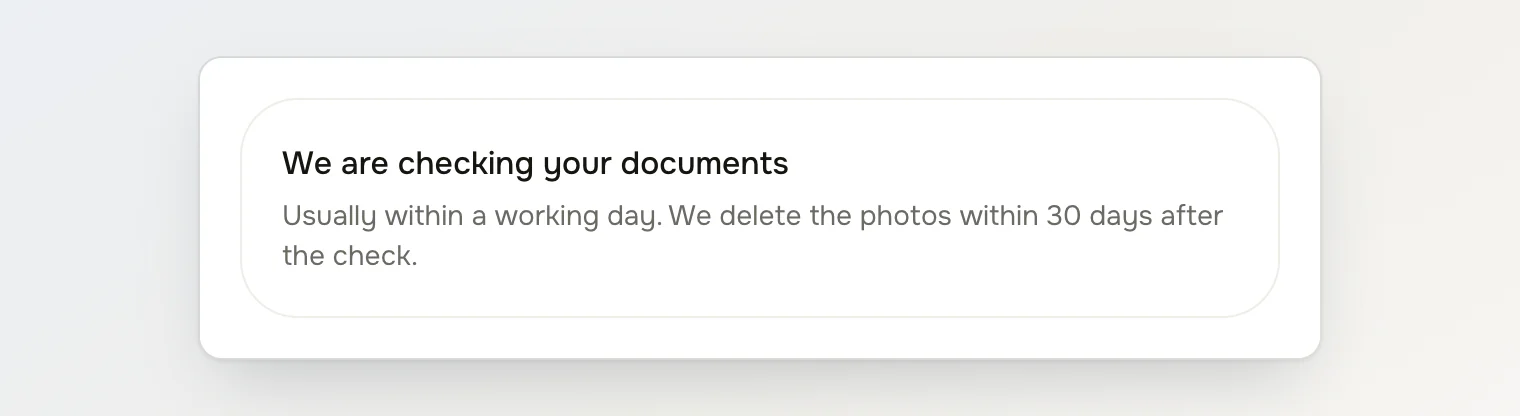
The card then says We are checking your documents. The admin usually decides within a working day. While the photos wait, the card takes no new ones.
What the admin checks
The admin confirms your identity only when all four hold:
The document hasn't expired.
The face in the selfie matches the photo in the document.
The selfie holds the same document.
The name in the document matches the name on your account.
Then the admin types the document's IDNP. Deal keeps a code made from it instead of the number, so one document confirms only one account.
When your identity is confirmed
You get the notification Your identity is confirmed. On the Tasker profile page the card shrinks to one line, Identity confirmed. Customers see the same badge on your public profile, on your offers, in the booking lists and in your chats. The checks on your profile now say ID document checked by hand.
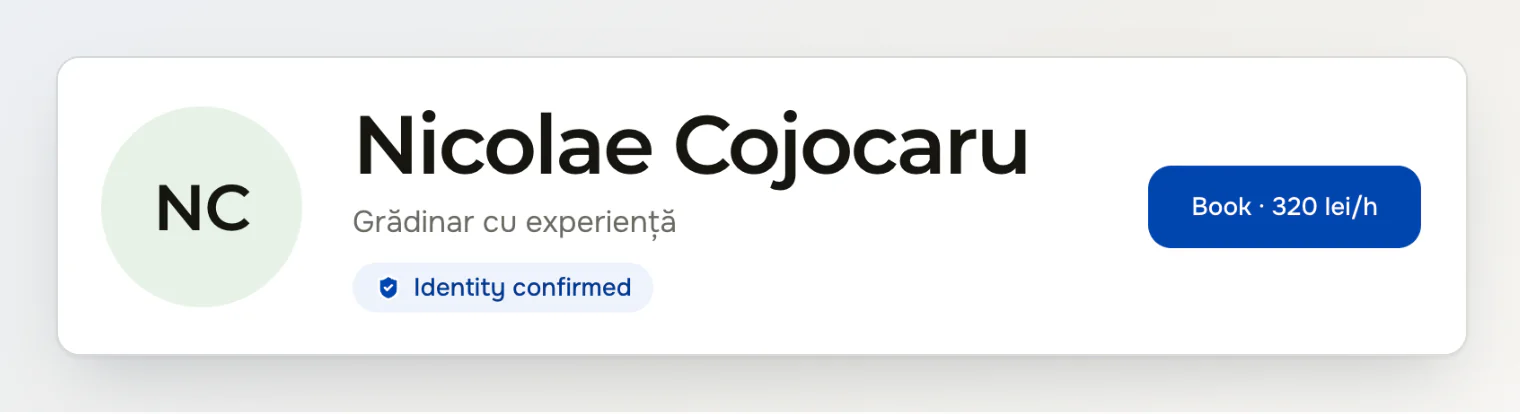
In the Recommended order of the tasker lists, confirmed taskers come first. Among the active offers on a task, offers from confirmed taskers come before the rest. When a customer accepts an offer from a tasker without the badge, the confirmation adds “We haven't checked this tasker's profile yet.” What the badge tells customers is in the post on staying safe.
When the photos are rejected
You get the notification Please send new photos. It gives the admin's reason after What to fix:, for example “The IDNP isn't readable.” The card on the Tasker profile page shows the same title and reason above two empty photo slots. Take two new photos that fix the problem and send them as in the steps above.
A new name removes the badge
The badge stays while the name on your account is the one the admin checked. If you change it in About you or in Profile and settings, your profile goes back to Identity not confirmed and the card asks for photos again. Send new photos to get the badge back. Changing the name back to the checked one returns the badge. A new profile photo doesn't affect it.
Who sees the photos
Only deal.md admins see the two photos, and Deal records every time an admin opens them. Customers never see them. We delete both photos 30 days after the admin's decision, whether it's an approval or a rejection. After that, Deal keeps the decision, its date, the name the admin checked and the code made from the IDNP, but no photo and no number.
Continue reading
Become a tasker and publish your profile — services, districts and rate, and what a customer needs to book you directly.
Find tasks and make an offer — task alerts, the Tasks feed and the limits on offers.
Getting your first orders on Deal as a new tasker — what a new tasker does between signing up and the first review.